The studio opens in beta this winter
Make the video you see in your head.
Drop in your clips. Say what you want. Get the first cut in minutes, then finish it your way.
Free to start. A starter pack lands in your inbox. Privacy
You're on the list. Thanks for being early.
That didn't go through. Try again, or email moreiseeproductions@gmail.com.
 Malibu run
More Ai See is editing
Export
Malibu run
More Ai See is editing
Export

- Watched all 4 clips
- Cut 3 retakes and 41 pauses
- Captions on, in your Clean Talk style
- Music under it, drops at the finish line
Make it punchier for TikTok.
- 0:01Read the transcript
- 0:03Moved the hook to the start
- 0:05Trimmed 9 seconds
- 0:06Switched captions to Punchy Shorts
Uses your Claude plan. Take over anytime.
Every tool is yours. Free, just sign in.



- 0:04I almost didn't start this race.
- 0:41Mile six. Legs are talking.
- 1:12Thumbs up, we're still going.
- 2:30That's the finish line right there.
One tap fixes the light. Matched 4 clips to the sunset, then added Golden Hour.
Pro: wheels, curves, scopes, two LUT slots.More Ai See (by Matt) edits inside the studio and tells you each step as it works.
Tap a room up top to look inside, and switch Simple or Pro. Same project, same timeline, whoever drives.
How it works
Three steps. One project.
Swipe to see more →
Bring it
Drop in clips from your phone, camera or Higgsfield. They sort themselves.
Say it
“Cut the slow parts, add captions.” The first cut builds while you watch.
Finish it
Trim, swap, keep or undo. Export every size at once.
Inside the studio
One project. Six spaces.
Every step has its own space, and each one already knows what the others made.
Chat it through, pick the hook.
Script, shot list and AI shot prompts, cost shown first.
Drop clips in. They sort themselves.
Bins, color labels, stars and smart bins.
Trim, split, captions. Keep or undo.
Every track, keyframes, box select, safe zones.
Pick a song. Levels set for you.
Voice clean-up, full mix, effects, beat sync.
One-tap fixes and ready looks.
Wheels, curves, scopes, two LUT slots.
Every size at once, in 1080p.
4K, frame rate, captions file, review links.
With More Ai See, every space also has the built-in AI, ready to help.
What it can do
Say it. Watch it happen.
The slow parts, gone.
Retakes, pauses and filler words come out. You keep the best take.
Tap one to say it Clean Talkmade it to the topFilm Nightmade it to the topPunchy Shortsmade it to the top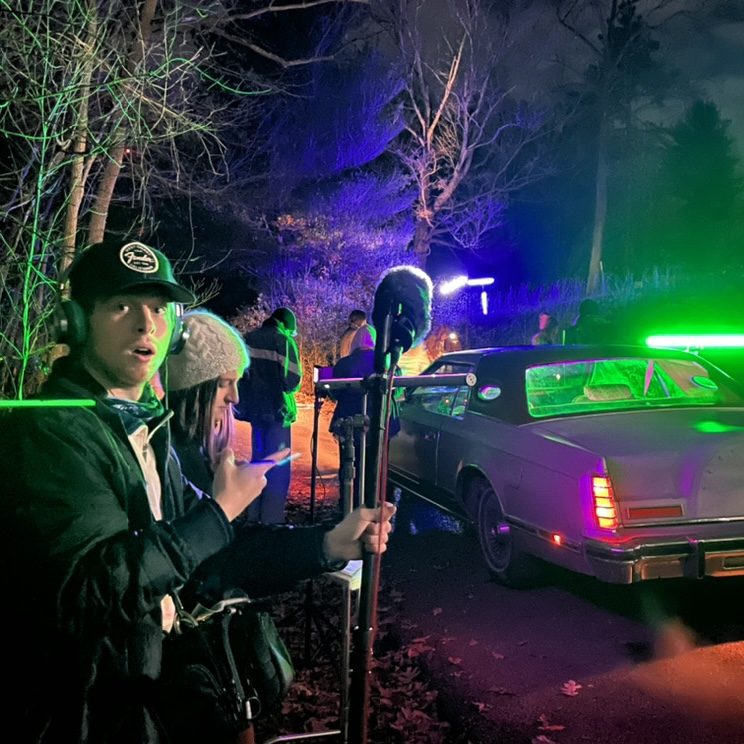
Three ways in
Drive it your way.
Same editor every time. Switch whenever you like.
Swipe to see more →
Talk or type right in the editor. It learns your style as you go.
- Works in all six spaces
- Remembers your style and rules
- Shots, music and voice on one bill
Ask in the AI you already pay for. The edit shows up live in your studio.
- Connect once, in two clicks
- Uses your own plan
- Take over by hand anytime
A clean, simple editor you drive yourself. Always included.
- Every editing tool, free
- Export in 1080p
- No AI needed, ever
Extras, on top
Make it yours.
Start simple. When you're ready, every video can look like you.
Your brand, built in.
Pick a setup and the whole video follows it: colors, fonts, captions, logo, lower thirds, intro and outro.
Three kinds of setup. Tap one to see it on the video.- Colors
- FontsAa
- CaptionsBold, one word in colorBig sticker wordsClean white, a green key word
- Logo and lower thirdsOn every video, in place
- Intro and outroThe eye logo stingA glitch flashThe heart-and-home logo over the hills
- Your rulesAlways open on the hookA cut every 2 secondsNo discounts in social posts
Built from videos you love. Comes with More Ai See, or I set it up by hand: about $149, 4 spots a month.
Custom-built
Even the editor wears your brand.
Brands and creators get their own studio: their logo, colors, templates and labels, built in. Two real brands I edit for, and an example creator.

 Heart Healthy Homes StudioSovereign Soul StudioEliza Studio
- 9:16 screen recording frameEntry title cardNaptime chat title
- UGC testimonial labelQuote cardReal-life captions
- Product calloutShorts captions, black and whiteKitchen counter product label
- Logo transitionSeal transitionCoffee cup transition
- Brand filmSeal end card"Find it at" end card
EAI creator · example
Matt's signature styles
Looks from my own edits.
Pick a style, then press play. The picture, the words and the sound move together.
Only here
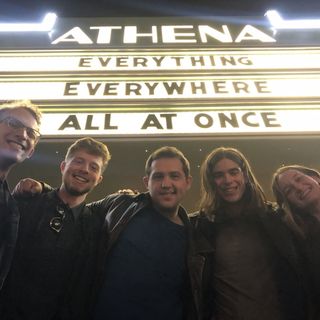
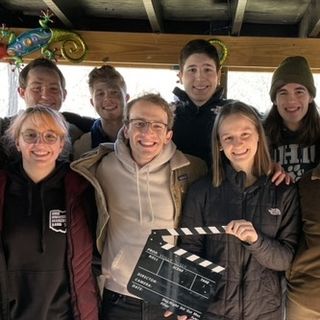
Built by a filmmaker.
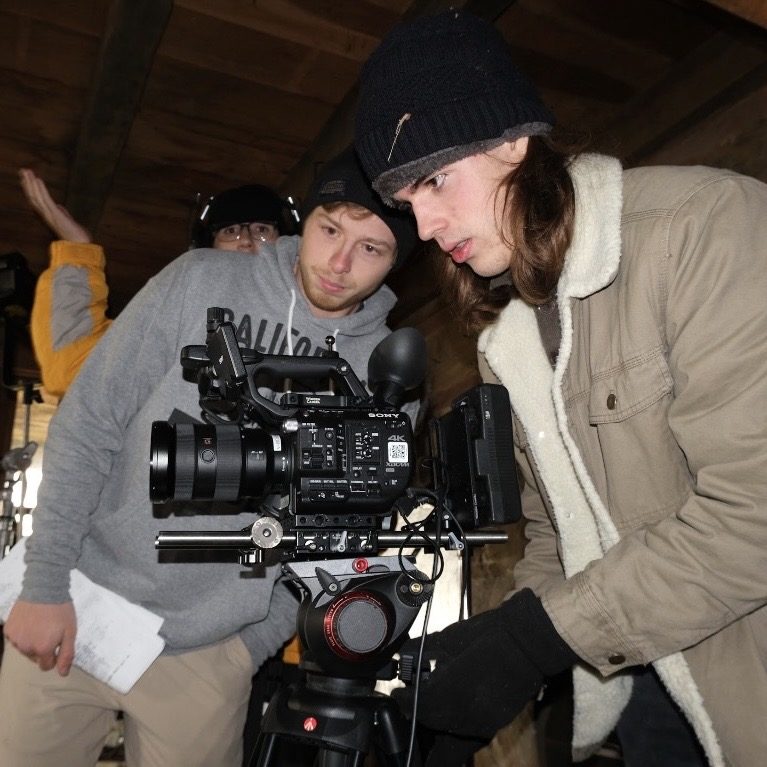
I studied film and fell in love with the creative process. What I know about a good cut is built in.



The More i See Journal
Watch it get built. One post a week, here and by email.
Swipe to see more →
Plans
Start free. Grow into it.
Good to know.
Do I have to pay for an AI?+
Your call. Edit by hand for free, use More Ai See built in, or connect the Claude or ChatGPT you already pay for.
What does “connect my AI” mean?+
You add More i See to Claude or ChatGPT once, in about two minutes. Then you ask there, and the edit shows up live in your studio.
What's the difference between Simple and Pro?+
Simple gives every space the few tools you need, on every plan. Pro opens the full toolset in each space, from the Creator plan up. Switch between them anytime.
Do I need editing experience?+
Say what you want and it builds the first cut. Fine-tune it by hand, and I'll teach you the craft along the way.
Where do my videos live?+
On your own computer by default. Back them up to the cloud when you want. They're always yours.
Who's behind it?+
Me, Matt. I studied film, I love the creative process, and I'm building this in public. My story
Your creative home is almost ready.
Free to start. A starter pack lands in your inbox. Privacy
You're on the list. Thanks for being early.
That didn't go through. Try again, or email moreiseeproductions@gmail.com.